Description
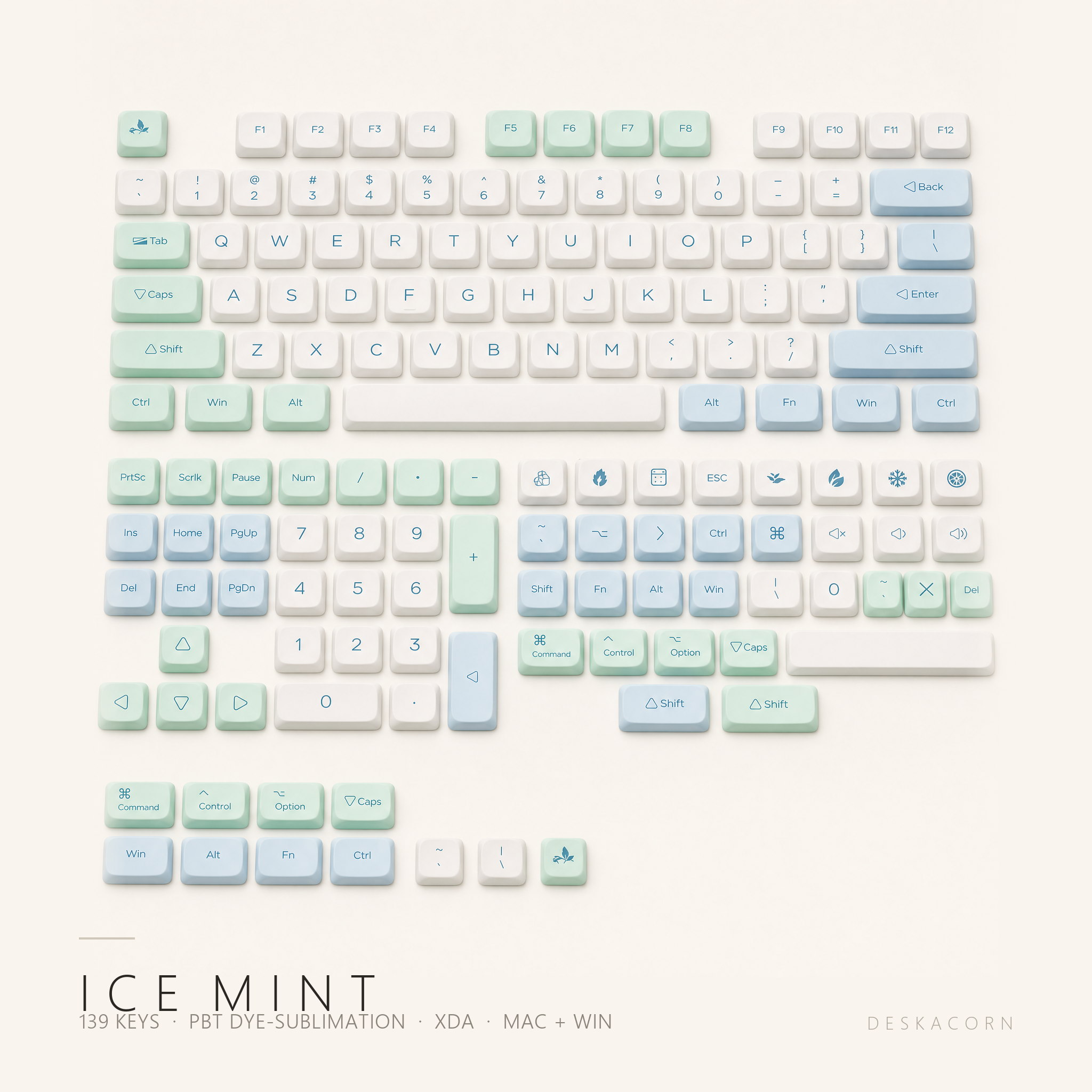
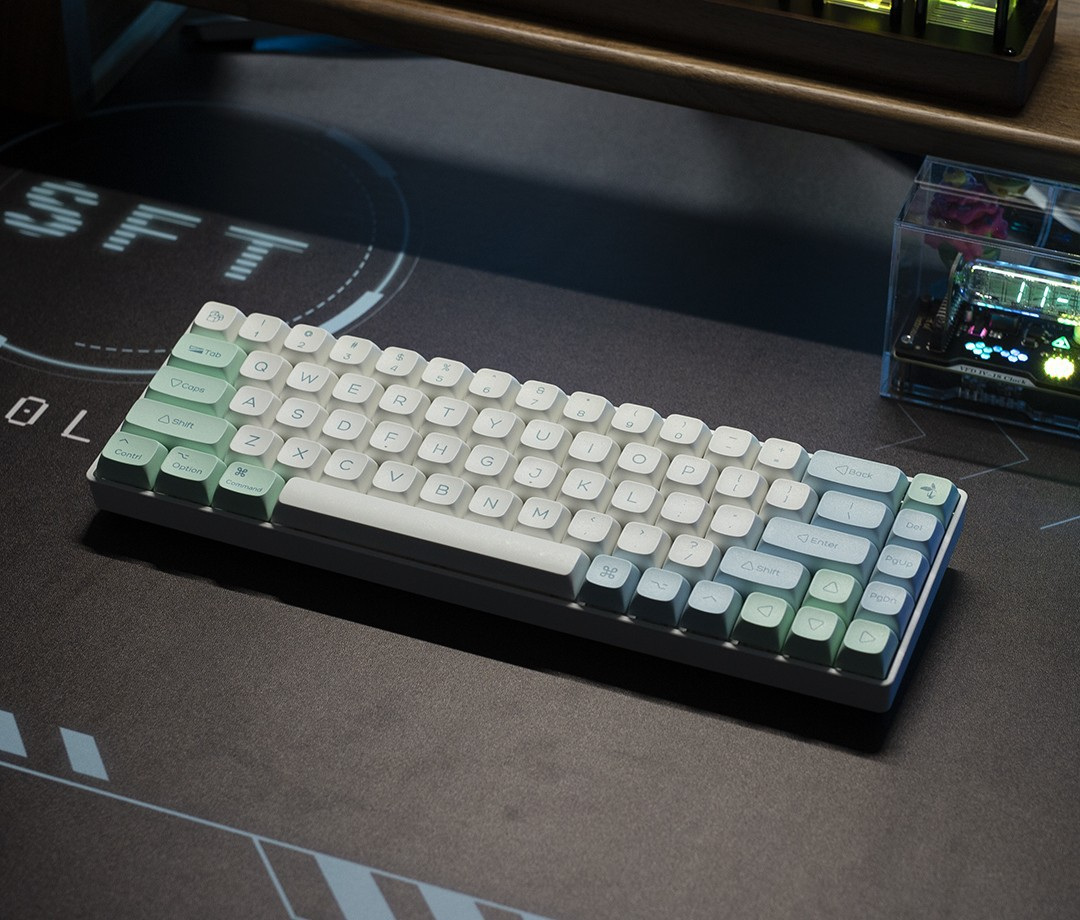
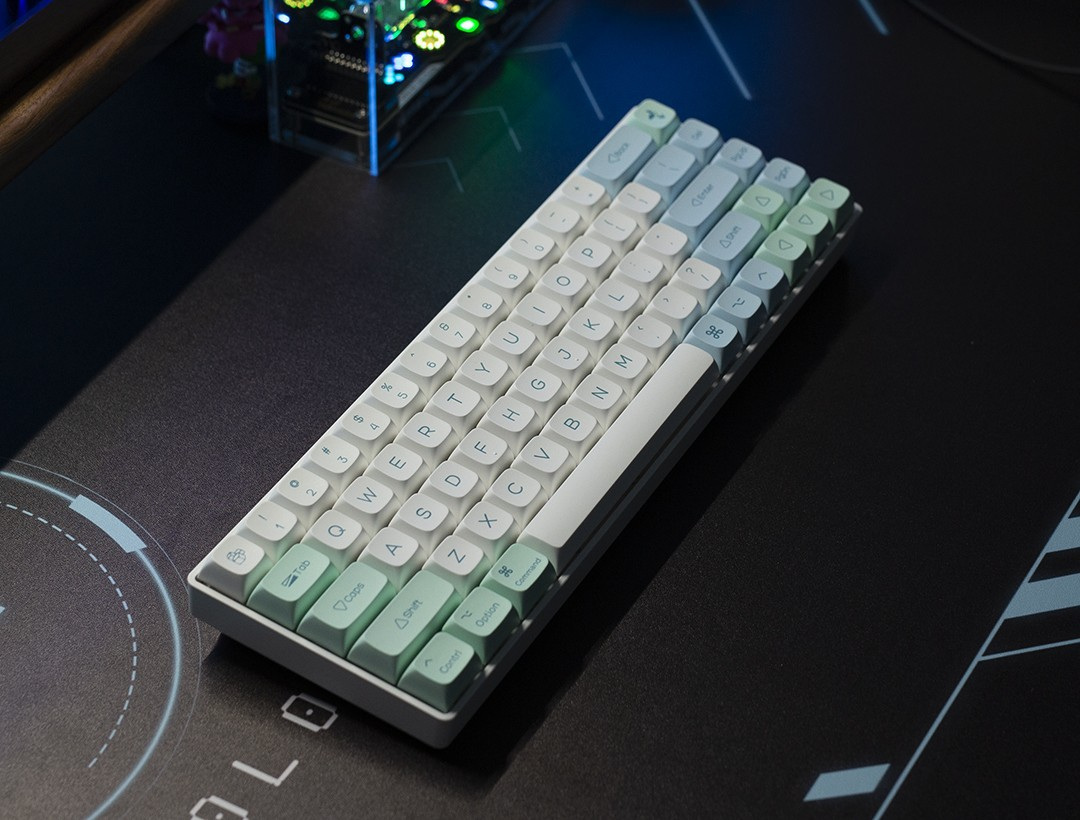
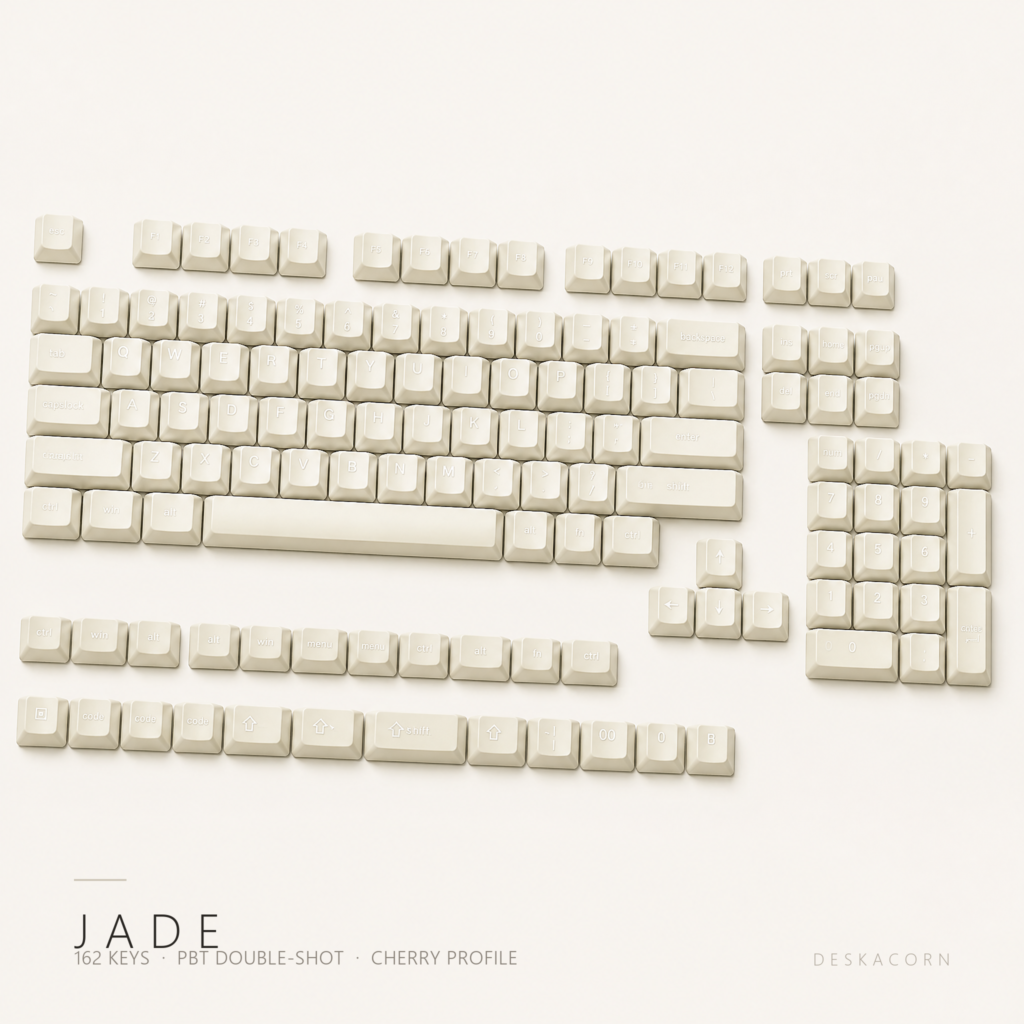
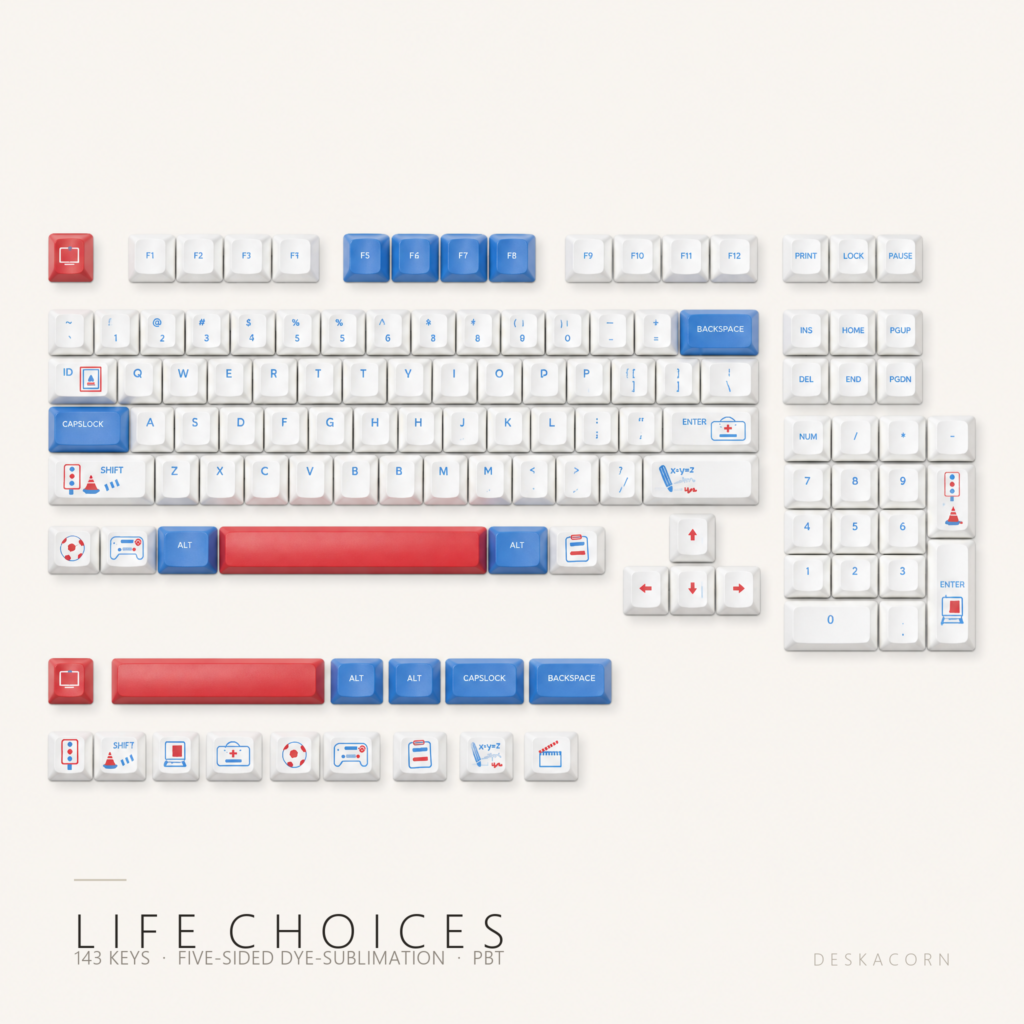
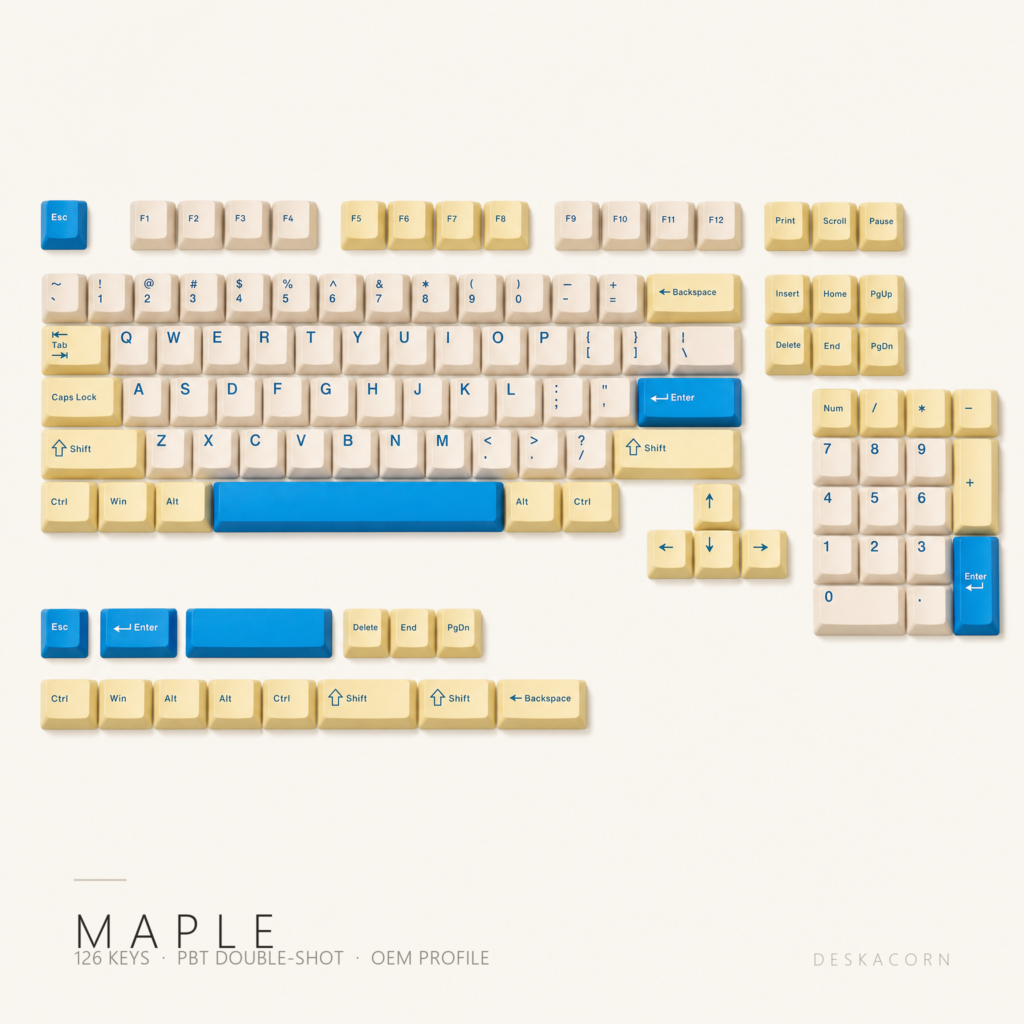
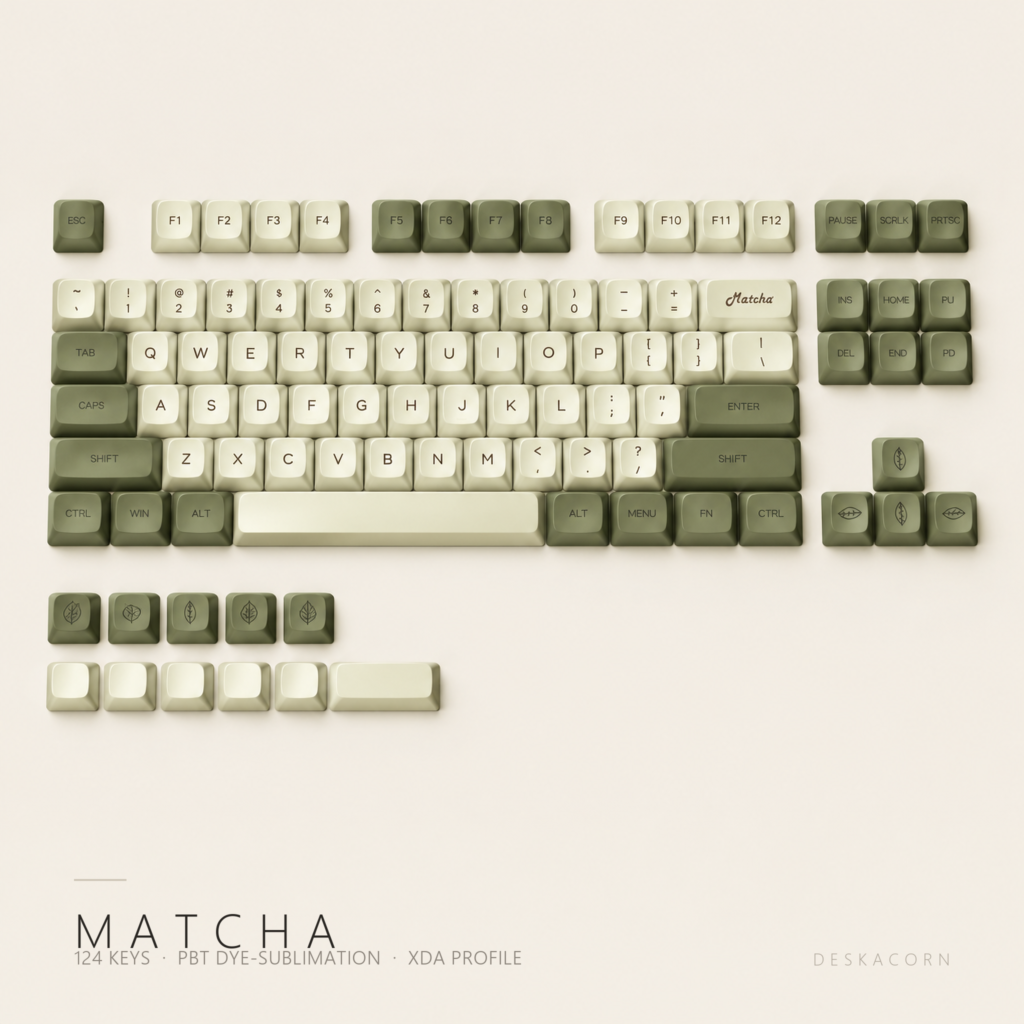
Cream alphas, pale blue modifiers, mint for the keys your fingers actually hunt for. It is the same set photographed three ways here: the colours shift under warm light and cool light, so look at all of them before you decide.
Colour
Mint and lime, but quiet
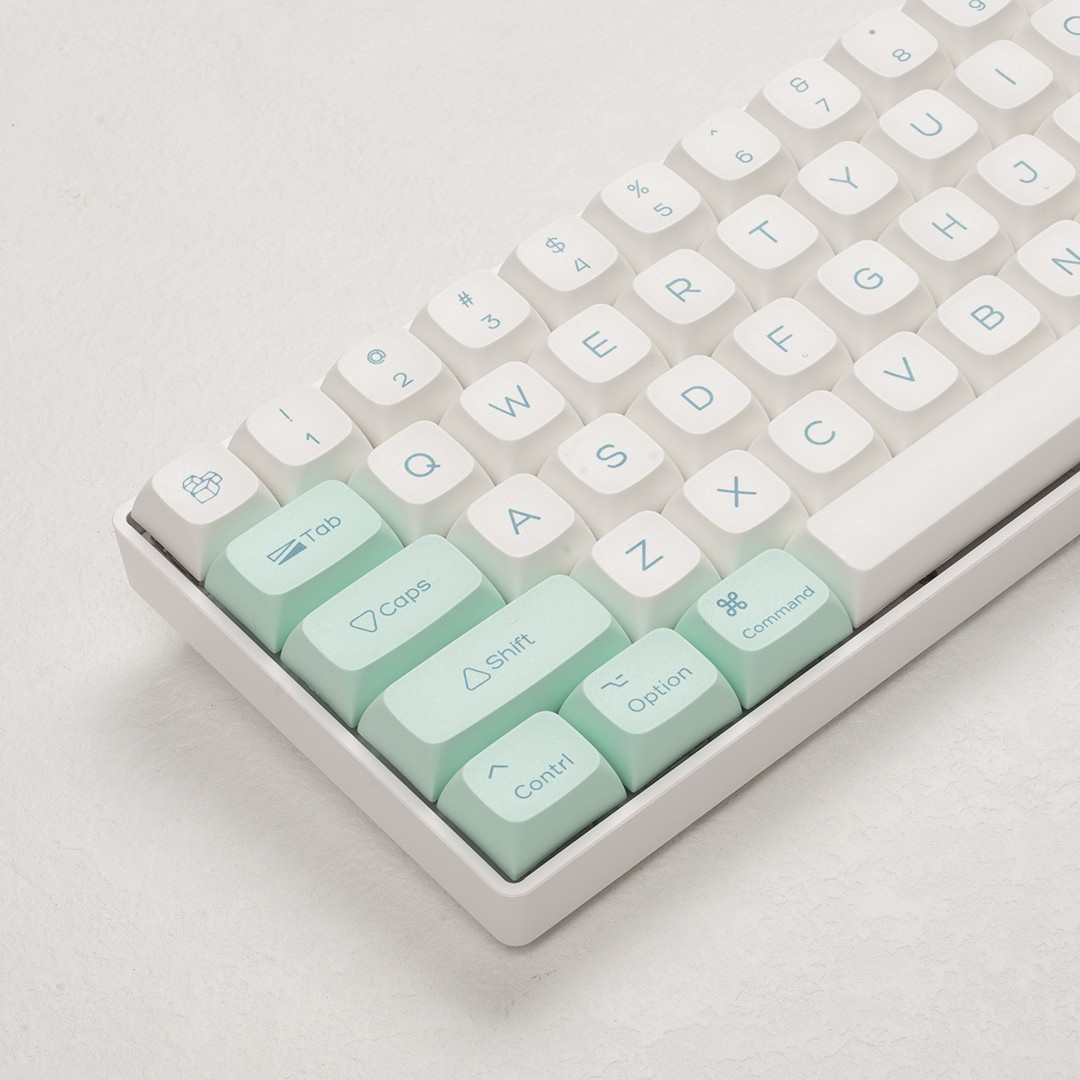
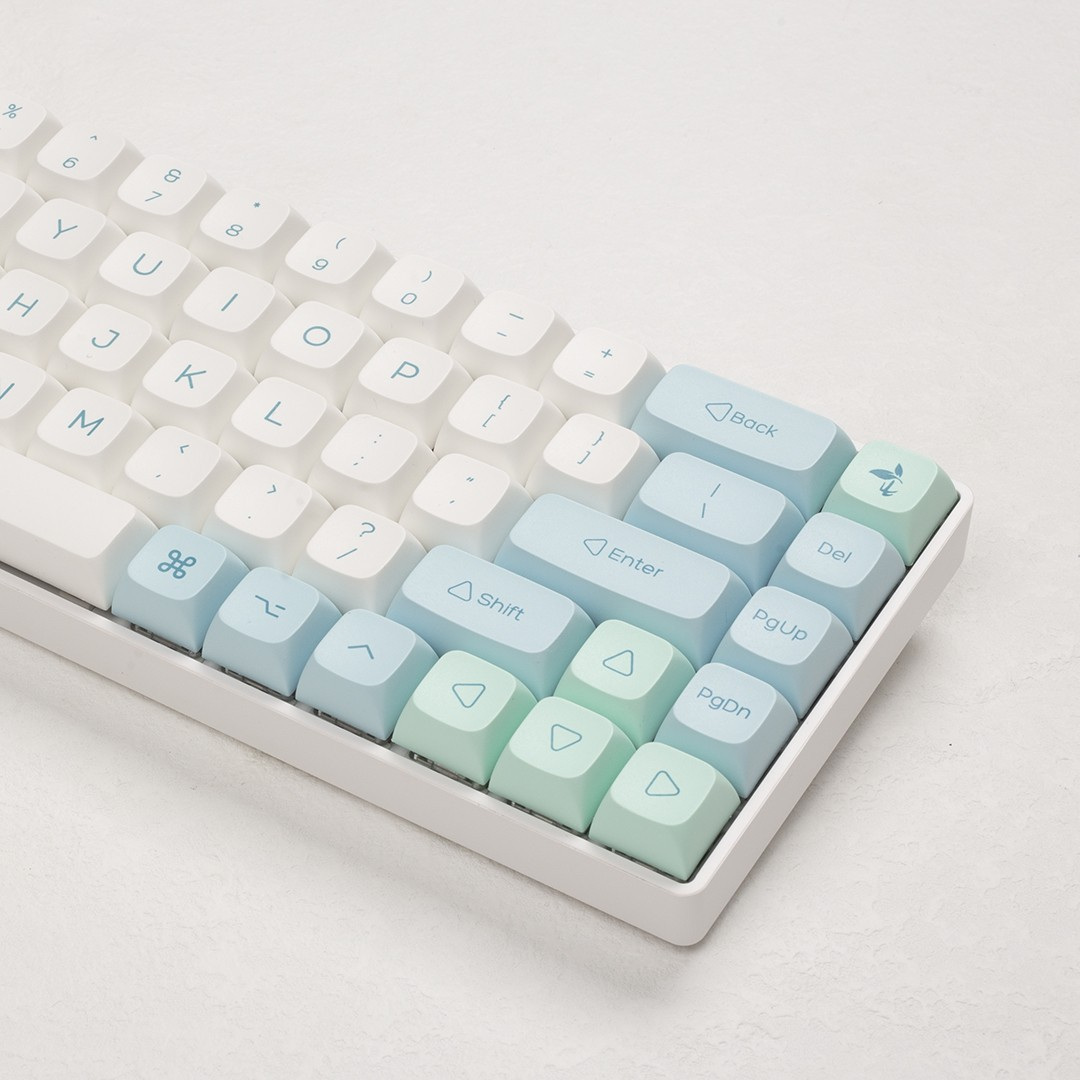
Three tones, not two. The alphas are a warm cream, the navigation and modifier column sits in a pale dusty blue, and the mint only lands on keys that carry meaning: Esc, Tab, Caps, the arrows, the Mac modifiers, the numpad operators. The result reads as one colour from across the room and three up close.
The legends are printed in a mid-blue, close enough to the pale blue caps to feel deliberate and dark enough to read at a glance. There is no white on this set at all, and that is what keeps it from going candy.
Mac first
Both legends, not one or the other
Most sets pick a lane and sell you the other as an add-on. This one ships Mac and Windows modifiers together: Command, Option and Control alongside Ctrl, Win and Alt, plus the Mac media row for brightness and volume.
Swap the row to match whichever machine you are on that day. On a Mac the modifier row lines up without remapping; on Windows you use the other caps in the same bag.
In the set
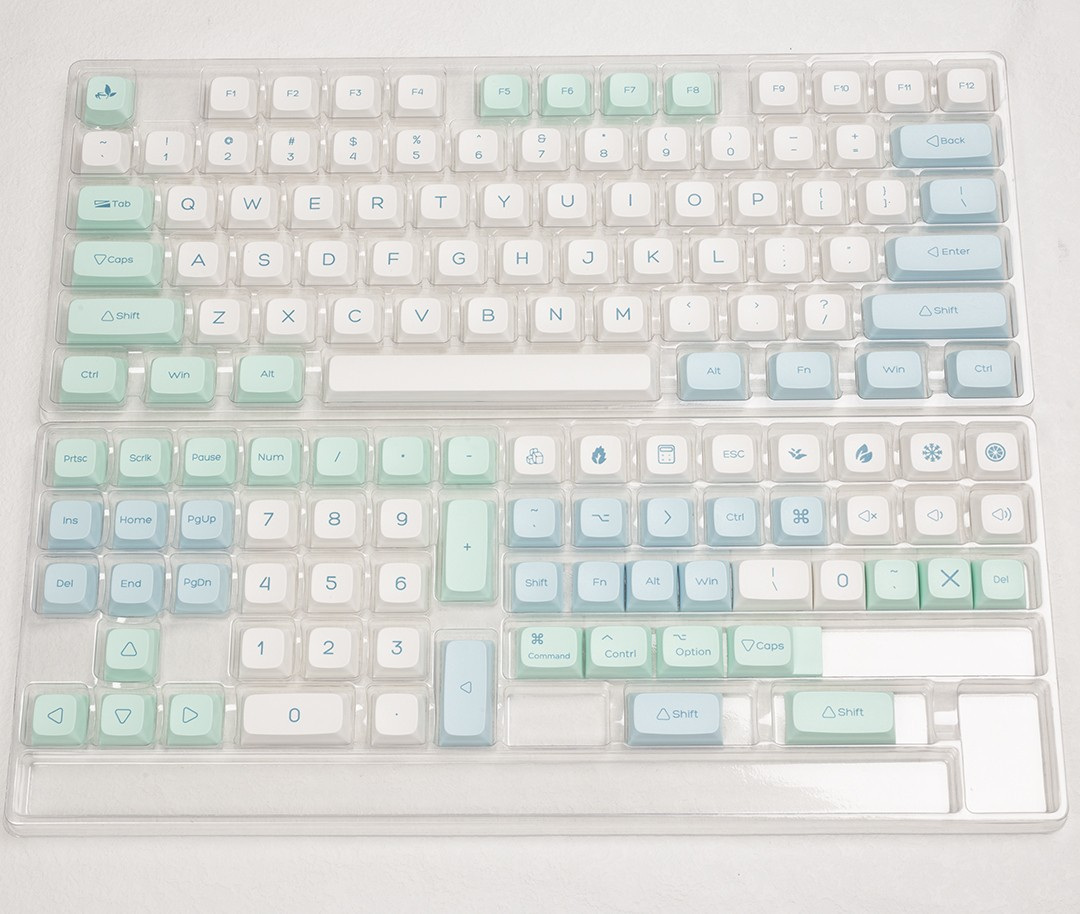
139 keys, and the extras are the point
A 104-key set stops at the main block. This one keeps going: a full numpad, a complete arrow cluster, both shift lengths, both spacebar lengths, and a Mac modifier column. That is what lets the same set dress a 61-key board and a full-size one without a second purchase.
Shape
XDA: the flat one
XDA is a uniform profile. Every row is the same height and the same shape, about 9.1 mm, with a wide, shallow dish on top instead of the scooped cylinder you get on Cherry or OEM caps. Your fingertip rests on a broad, slightly cupped surface rather than settling into a groove.
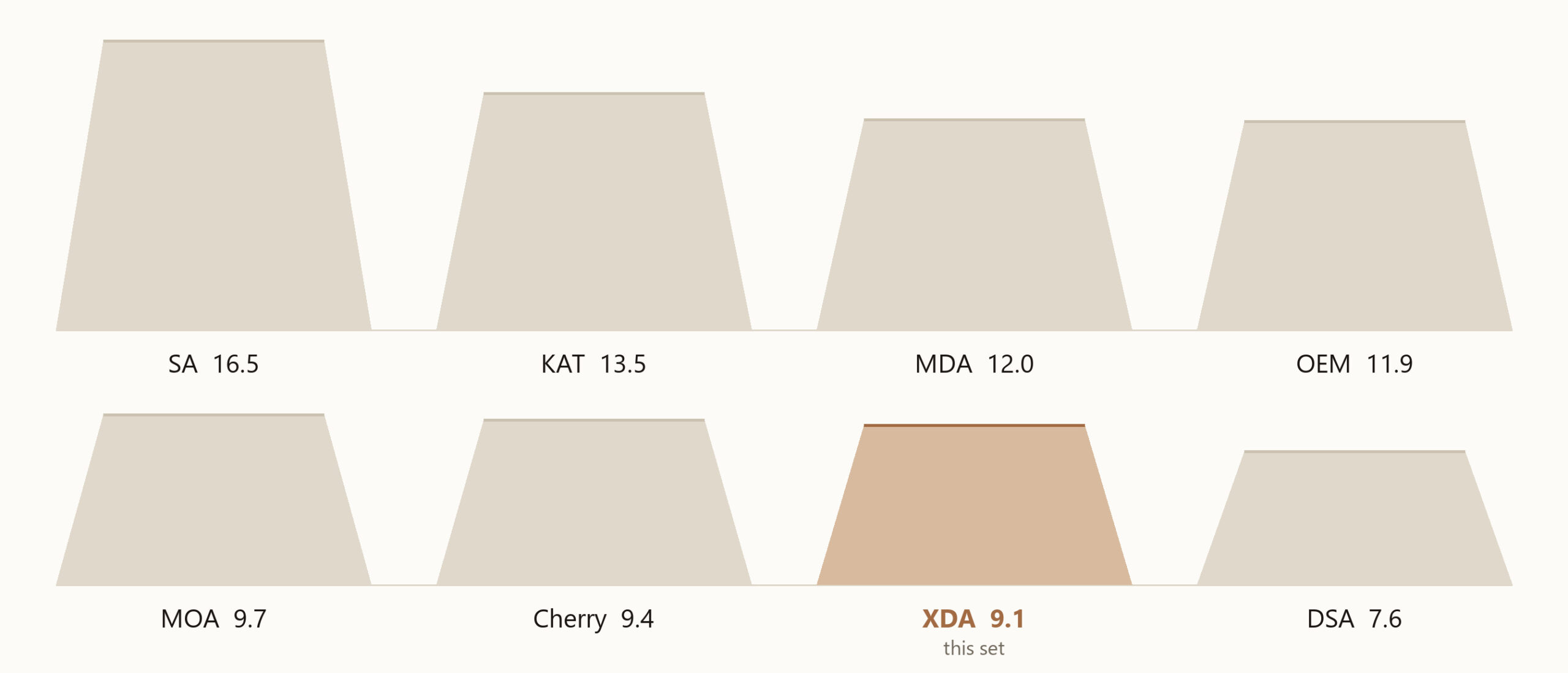
Practically: your hands sit lower than on a stock OEM board, the sound is a little more even across rows because every cap is identical inside, and typing feels flatter and wider. If you have only ever used the caps that came with your keyboard, this is a bigger change than the colour is.
It also means you can rearrange rows freely. On a sculpted set, moving a number-row cap to the bottom row looks wrong and feels wrong. On XDA it does not.
Fit
What it goes on
| Board | Works? |
|---|---|
| 61, 64, 65, 68 key | Yes, with spares left over |
| 75, 84, 87 key | Yes |
| 96, 98, 100, 104, 108 key | Yes, numpad included |
| Mac layout, ANSI | Yes, Command and Option included |
| ISO / UK / DE layouts | No, ANSI only |
| Topre, optical, low-profile | No, MX cross stem only |
One caveat worth saying plainly: a 104-key board with a non-standard bottom row, or a 65% with a split spacebar, may not line up. Send us a photo of your board and we will tell you before you buy.
Specifications
The numbers
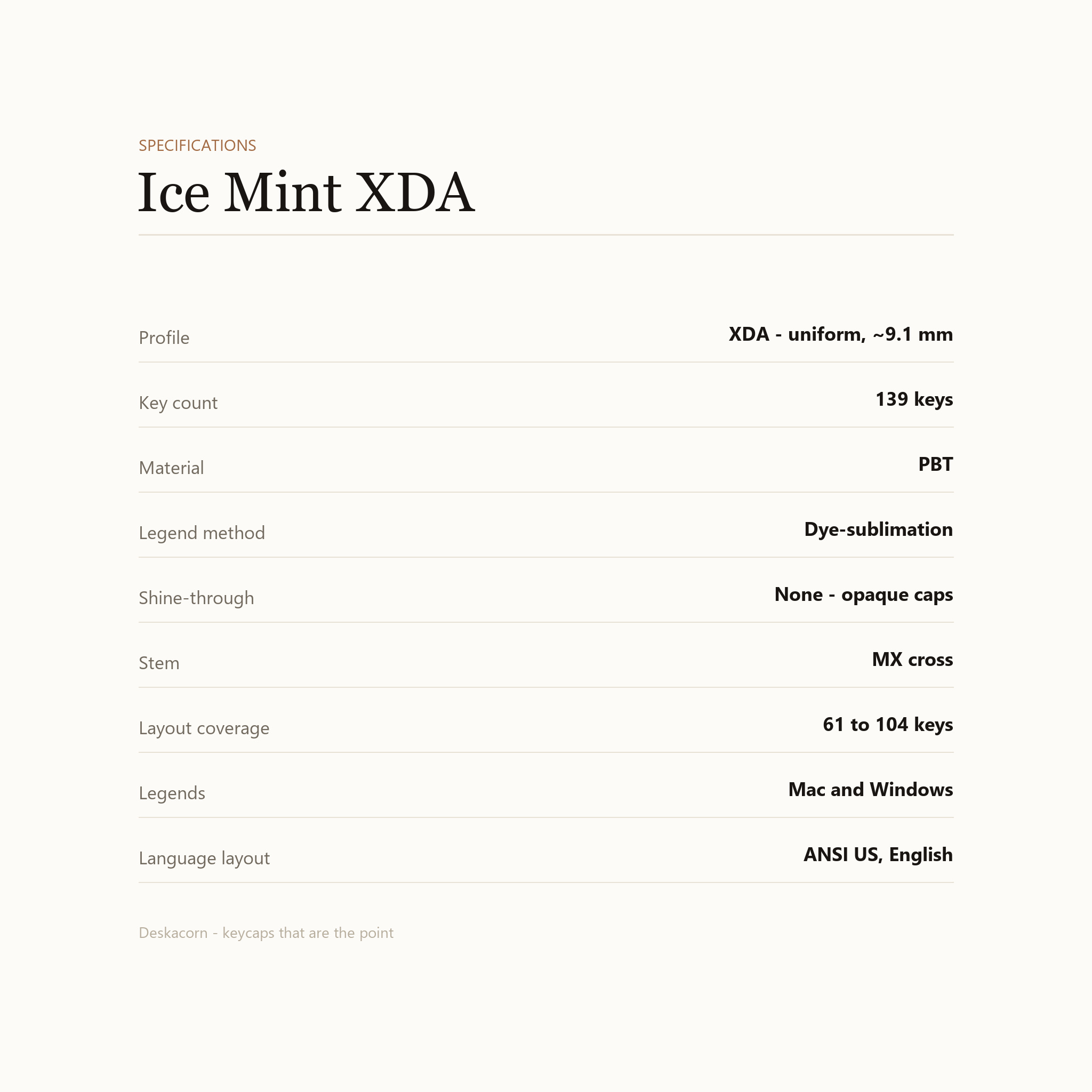
| Profile | XDA, uniform across all rows |
| Height | About 9.1 mm per cap |
| Key count | 139 keycaps |
| Material | PBT |
| Legend method | Dye-sublimation |
| Shine-through | None. The caps are opaque, so RGB stays under them |
| Stem | MX cross, 4 mm |
| Layout coverage | 61 to 104 keys, plus numpad and Mac modifiers |
| Language layout | ANSI US, English legends |
| In the box | 139 keycaps |
Care
Keeping them this colour
PBT does not yellow the way ABS does, and dye-sublimation sits inside the plastic instead of on top of it, so the legends will not wear off from typing. Keep them out of direct sun for months at a time and they will hold their colour for years.
To clean, pull the caps and wash them in warm water with a drop of dish soap. Air dry completely before refitting. Do not use alcohol or acetone on them.
Pull keys straight up with a wire puller, never at an angle. Twisting is how a stem well cracks.
Just the keycaps. No keyboard, no switches, no cable. If you are not sure your board takes MX-style switches, message us before ordering.
Reviews
There are no reviews yet.