Description
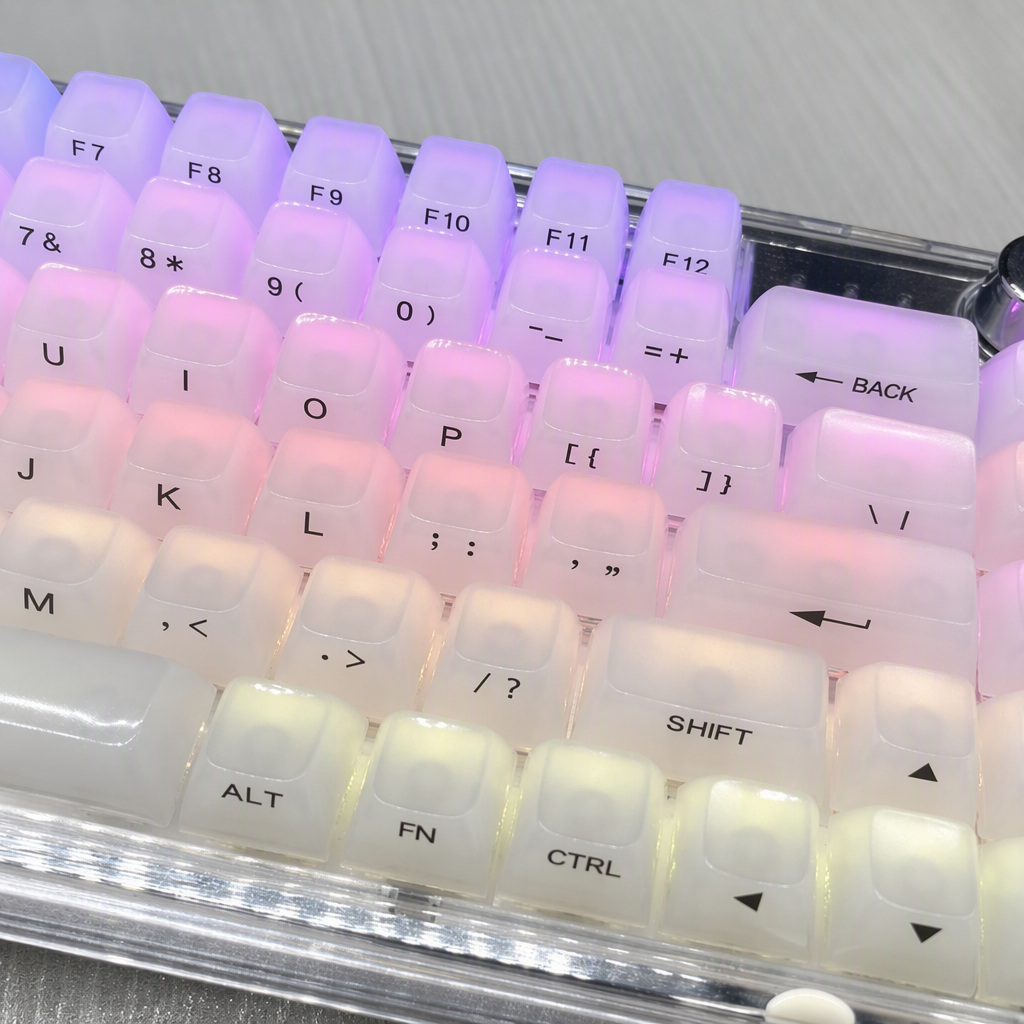
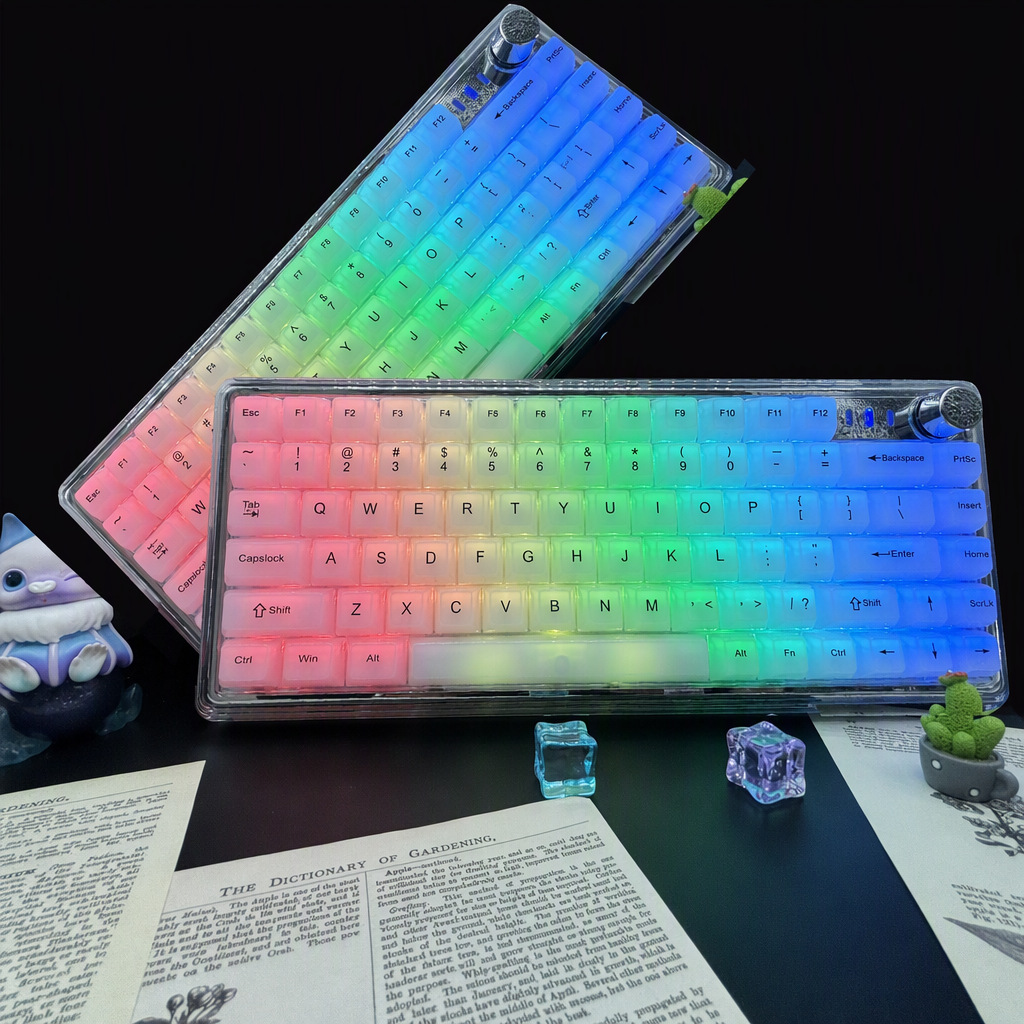
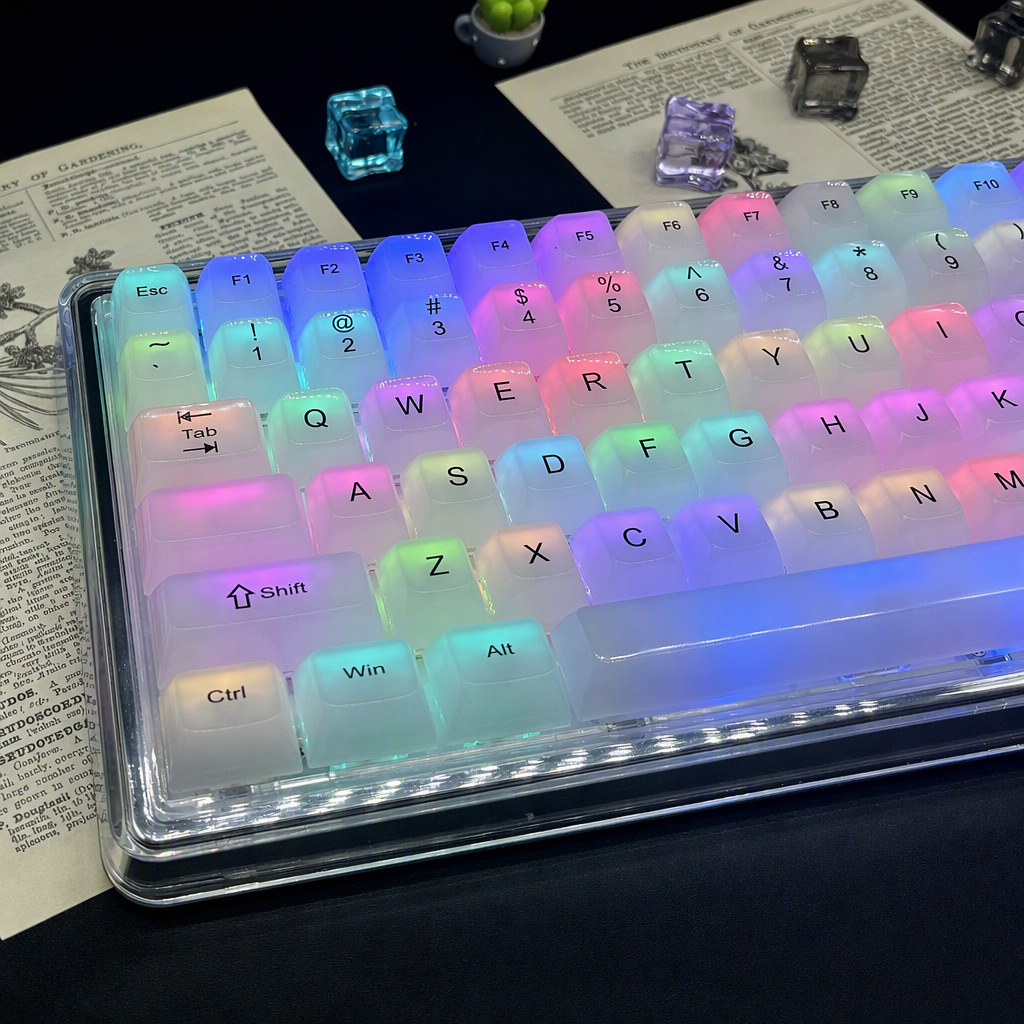
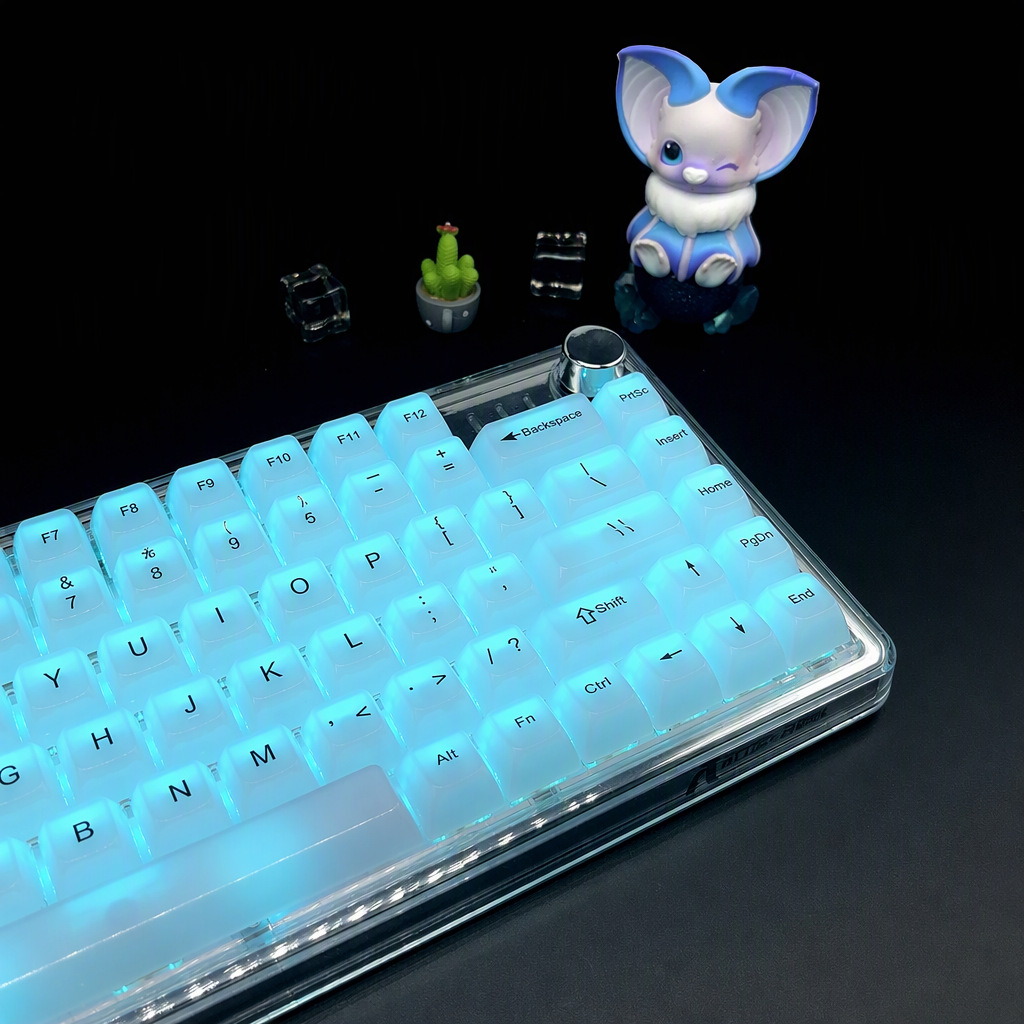
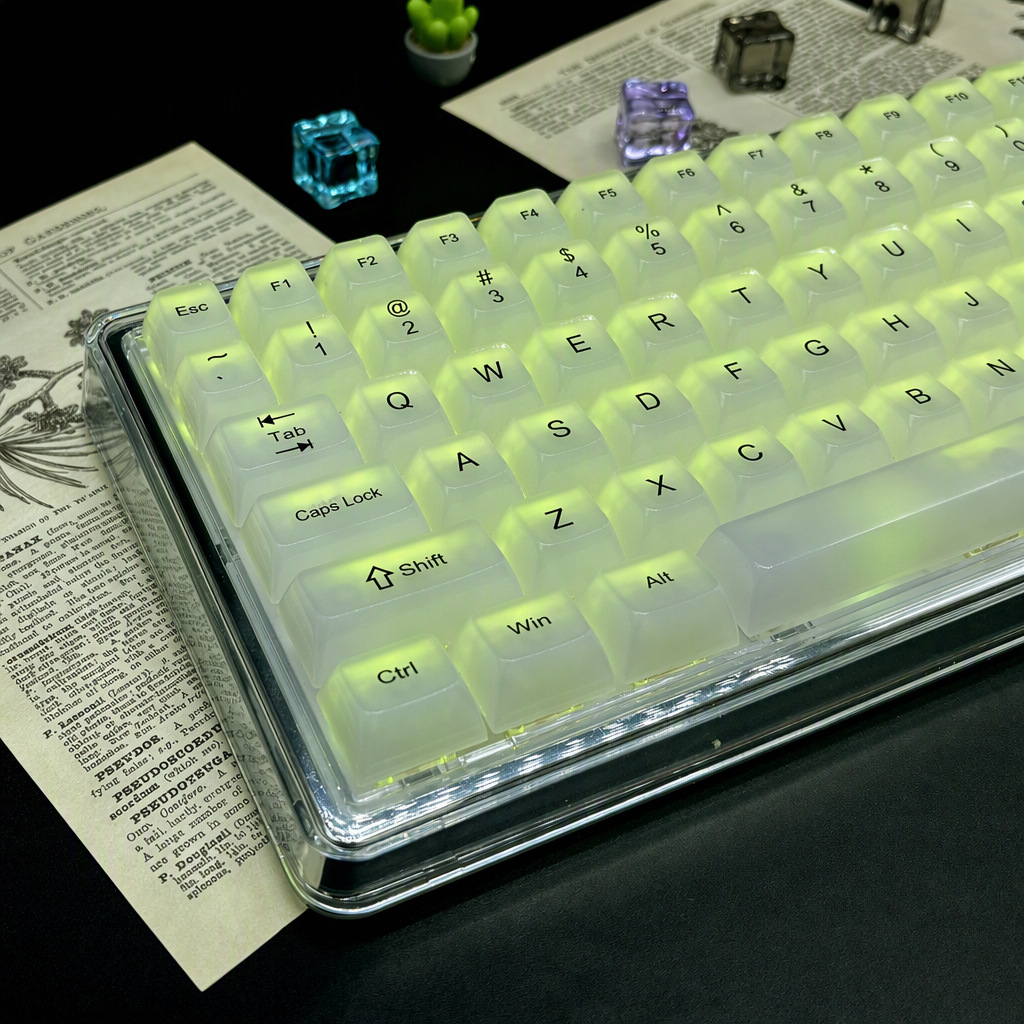
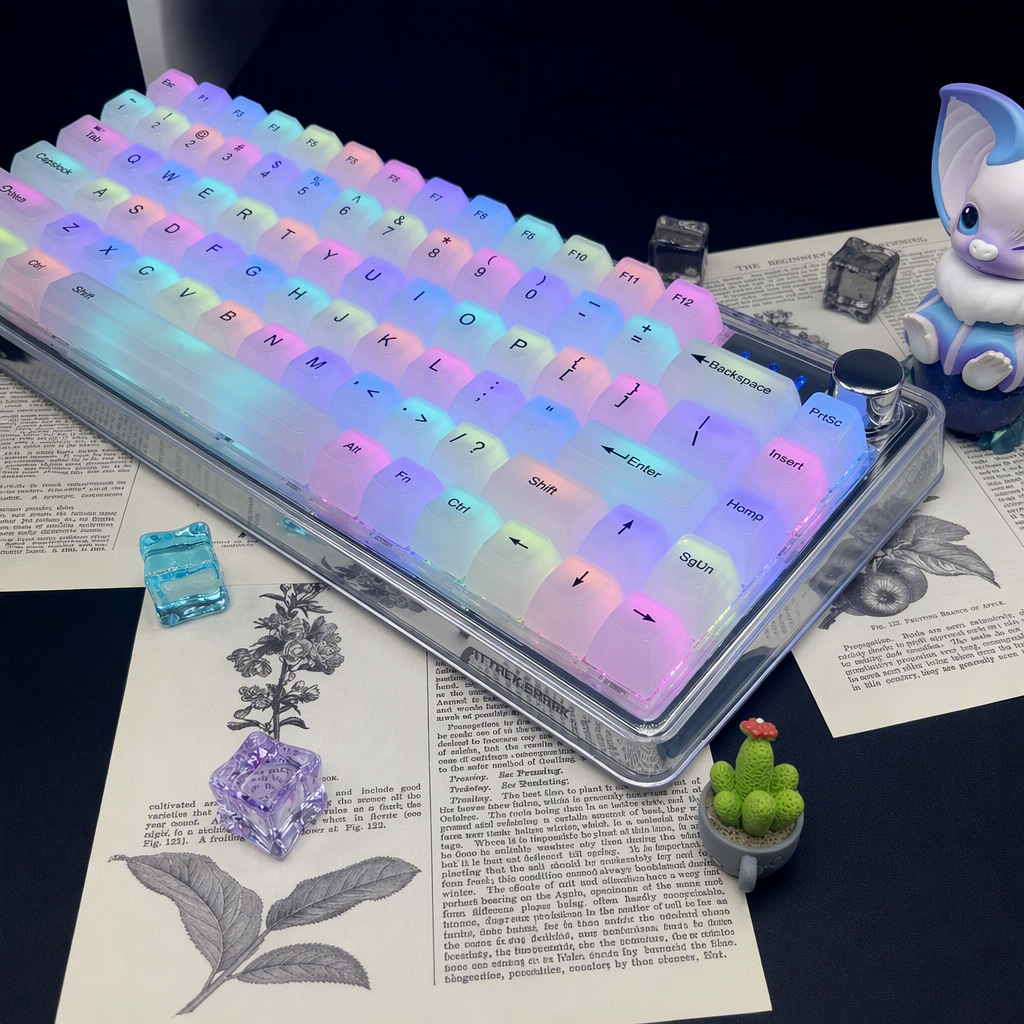
Frosted, not clear. These caps are milky white polycarbonate: your backlight goes in through the top and comes out the sides as a soft wash instead of a hard glare. The letters stay readable, the light goes everywhere.
Watch
The set, in motion
The material
Why frosted, not clear
Clear PC caps show the switch stem and the LED as a point of light. Frosted PC scatters it: the whole cap glows evenly, and the light spills sideways onto its neighbours, so the board reads as one continuous gradient rather than a grid of bright dots.
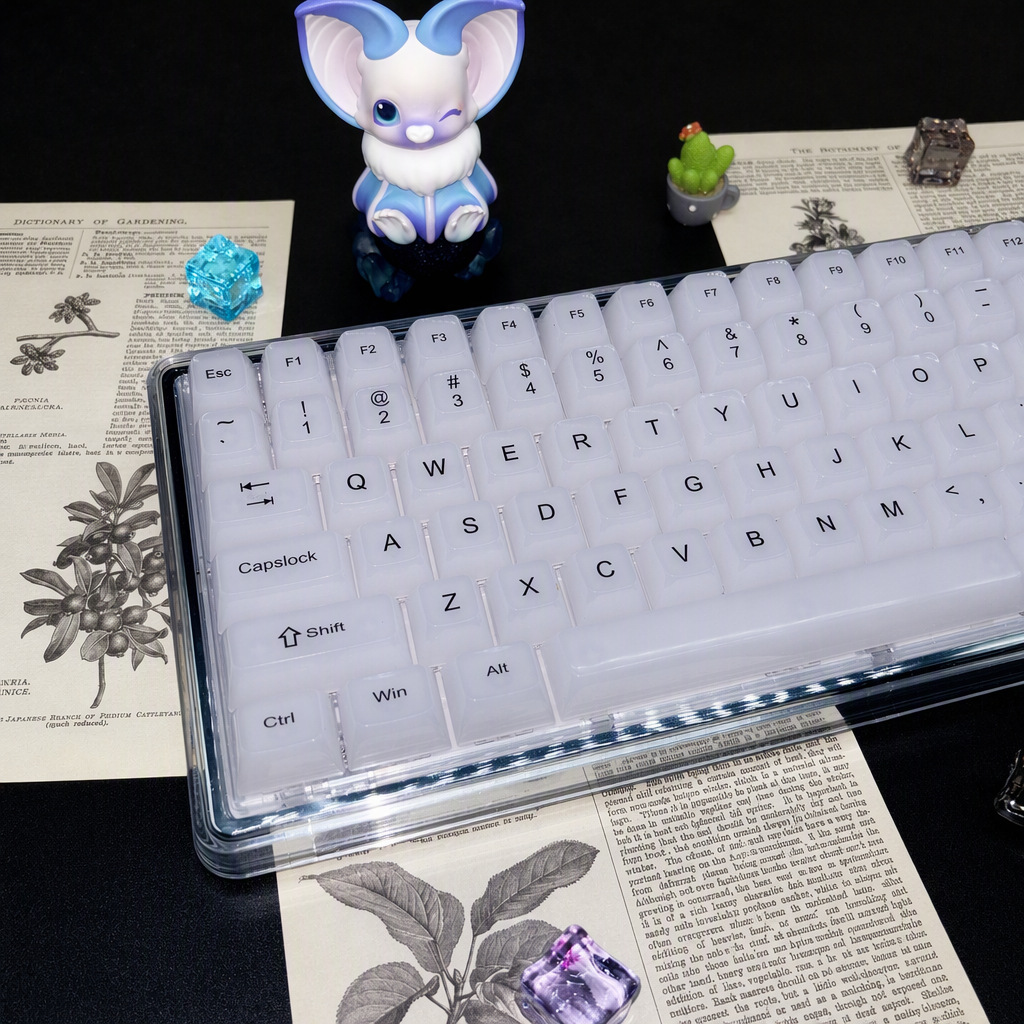
The trade is that you no longer see through the cap. What you get instead is a soft, almost ceramic look when the backlight is off — a pale milky white with a slight pearl sheen, close to white jade.
Legends are UV-printed onto the frosted surface. Dye-sublimation needs to soak into the plastic, and it does not bond into clear PC, so UV print is the standard method for this material. Treat it like any printed surface: fingers and cloth are fine, abrasive cleaners are not.
In the kit
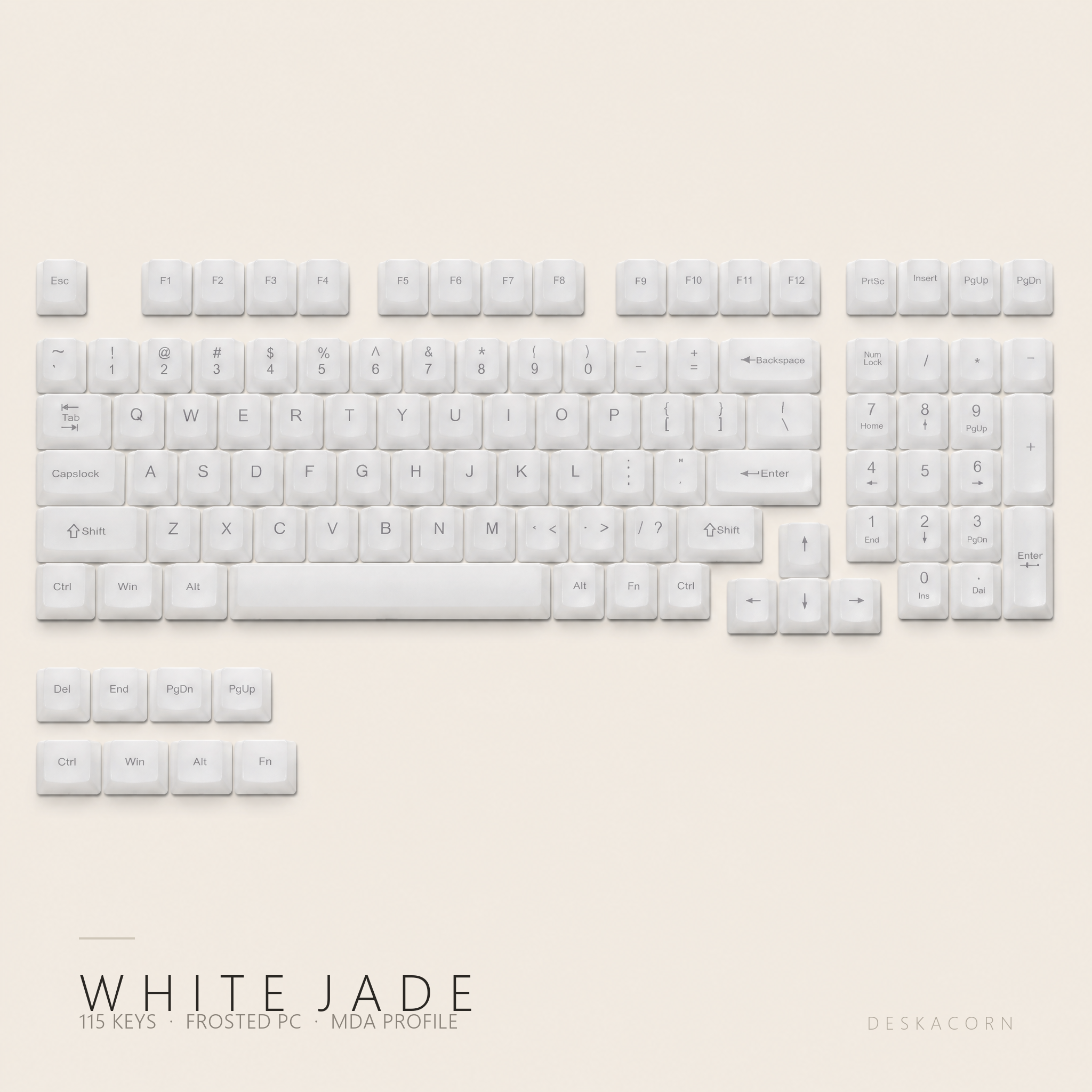
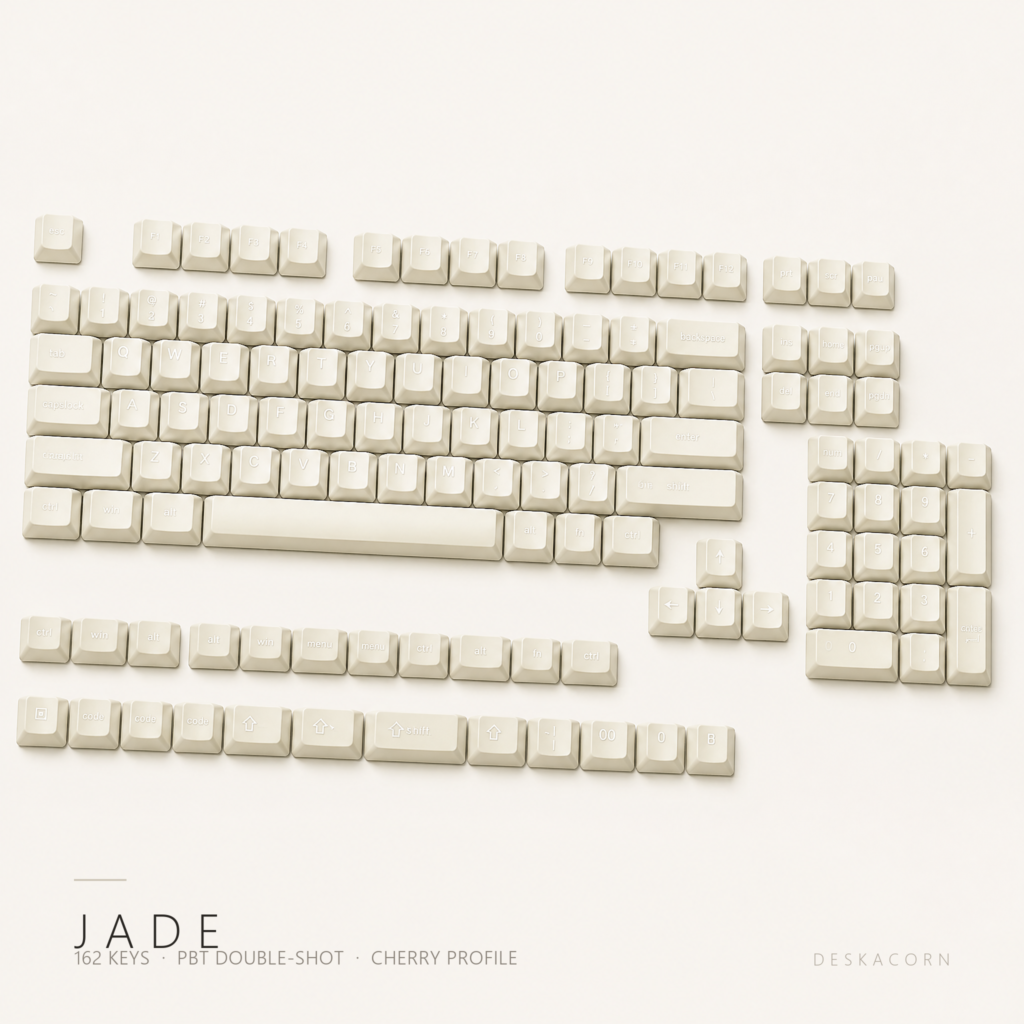
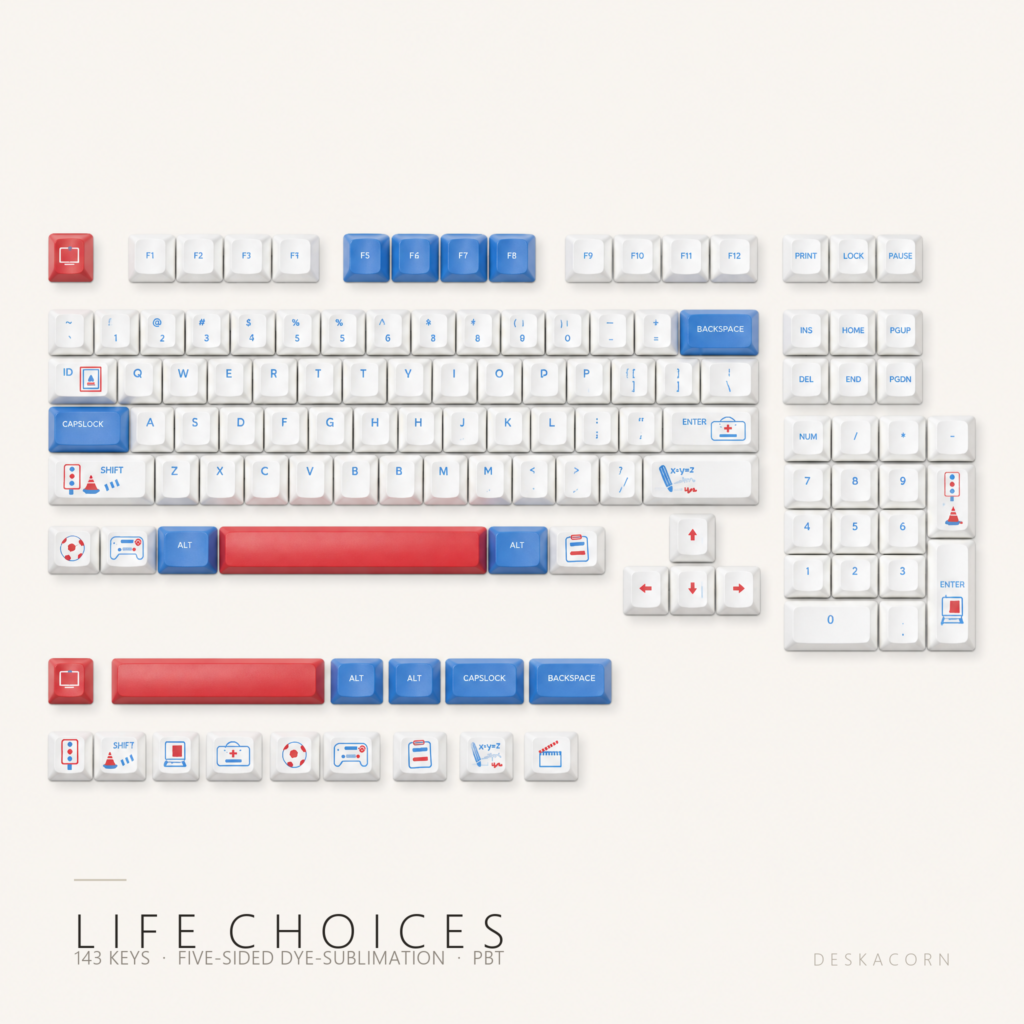
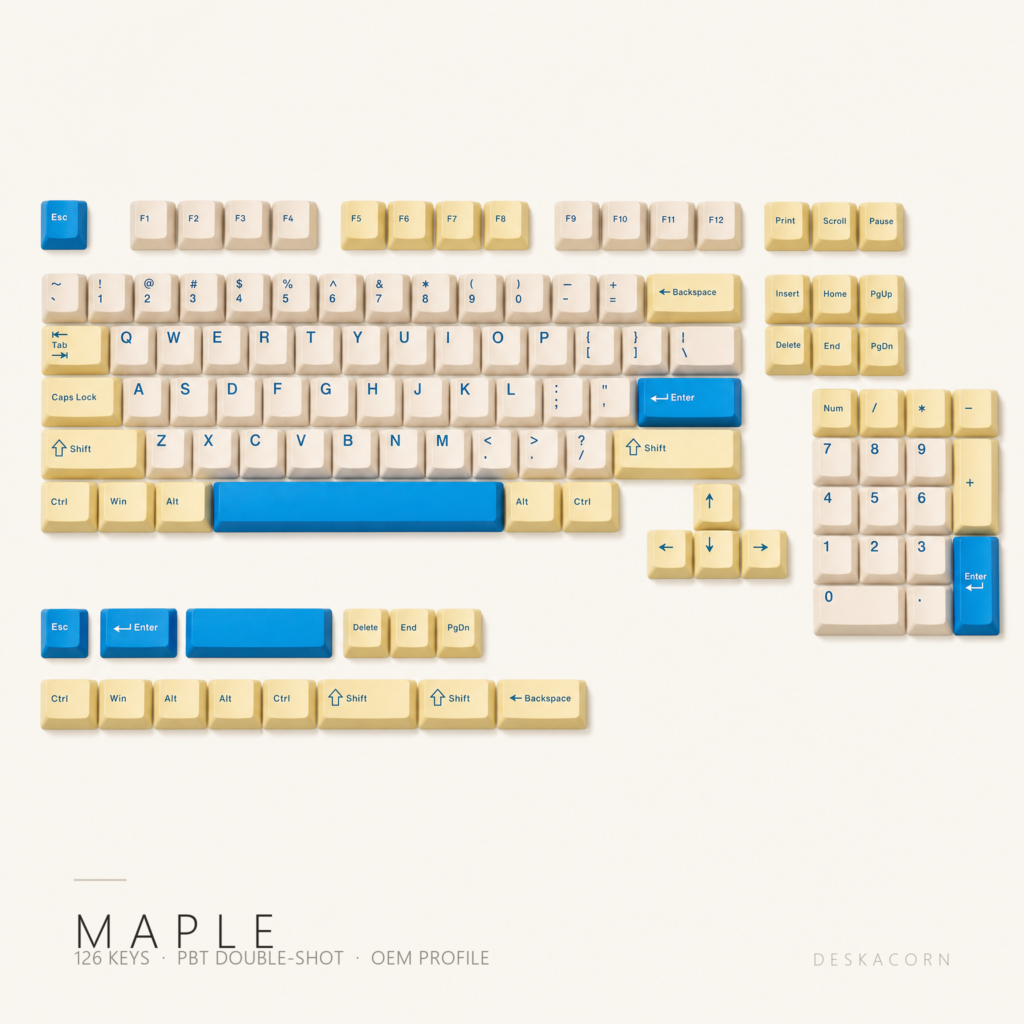
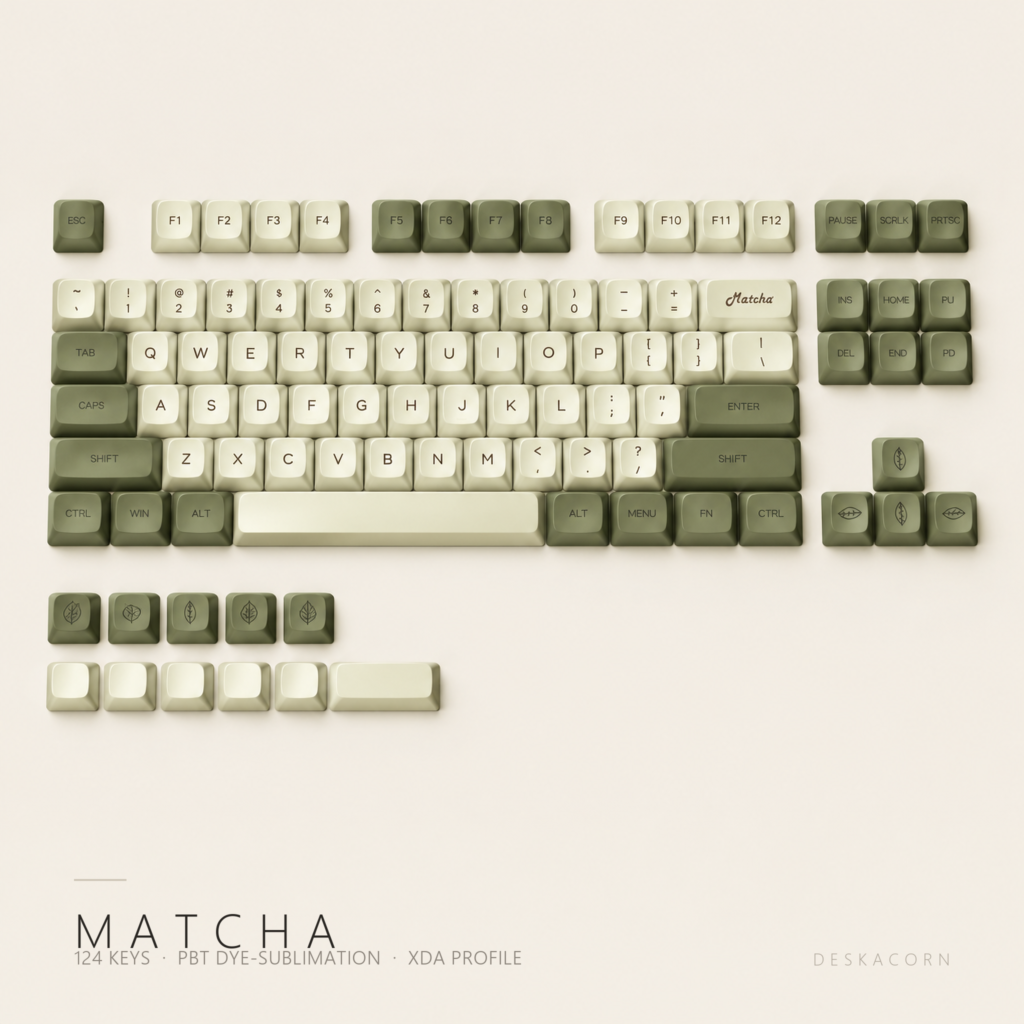
115 keys, most layouts
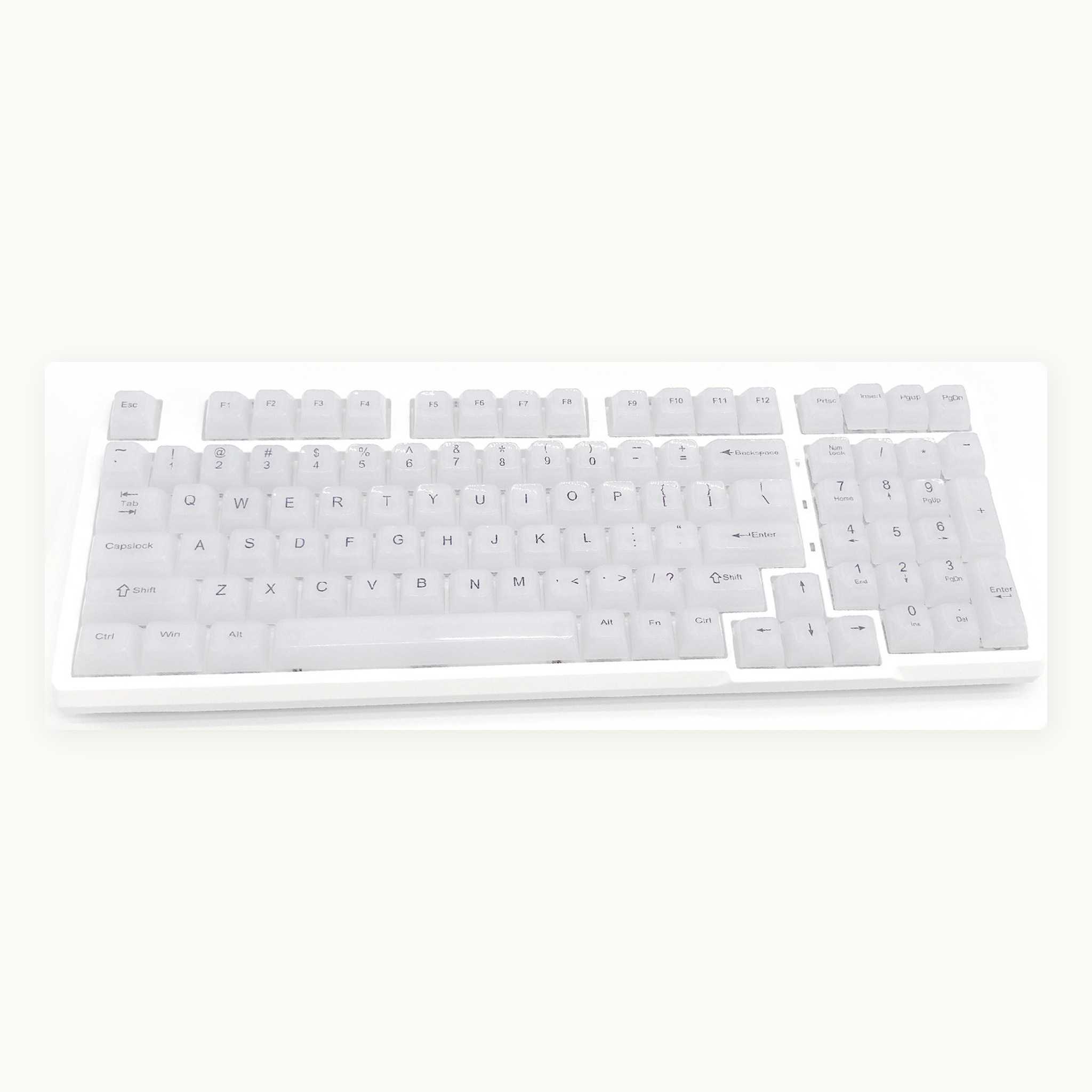
One kit covers 61, 64, 68, 75, 84, 87, 89, 96, 98, 100 and 104-key boards. The numpad, both shift sizes and the extra modifier column are all in the same set, so there is no second add-on kit to buy.
Two versions
Top print or side print
The same caps come two ways, and the only difference is where the legend sits.
| Version | Where the legend is |
|---|---|
| Top print | On the top face, read looking straight down at the board. What you see in the photos on this page. |
| Side print | On the front face of each cap, so the top stays completely blank. From a typing angle you read the legends on the row in front of your fingers. |
The caps, the material, the profile and the printing method are identical — only the position changes. Choose at checkout. The photographs here show the top-printed version.
Shape
MDA: tall, wide, curved
MDA is a sculpted profile at roughly 12 mm — a little taller than the OEM caps that ship on most prebuilt boards, with a much wider top surface and a gentle spherical dish.
That extra landing area is the whole point. Instead of your fingertip sitting on a narrow plateau, it sits inside a shallow bowl, so touch typing is quieter and there is less hunting for the centre of the key. The rows climb towards the back of the board, which shortens the reach to the number row and the function keys.
Coming from a low Cherry set it will feel tall for the first day or two. Coming from a stock OEM board it will feel familiar in height and noticeably rounder under the finger.
Know your profile
Every cap has a height
A profile is the height and shape of the caps, row by row. There are two families. Sculpted sets change height and angle from the front row to the back, so the surface curves to meet your fingers. Uniform sets keep every row identical, which looks cleaner and lets you move keys anywhere.
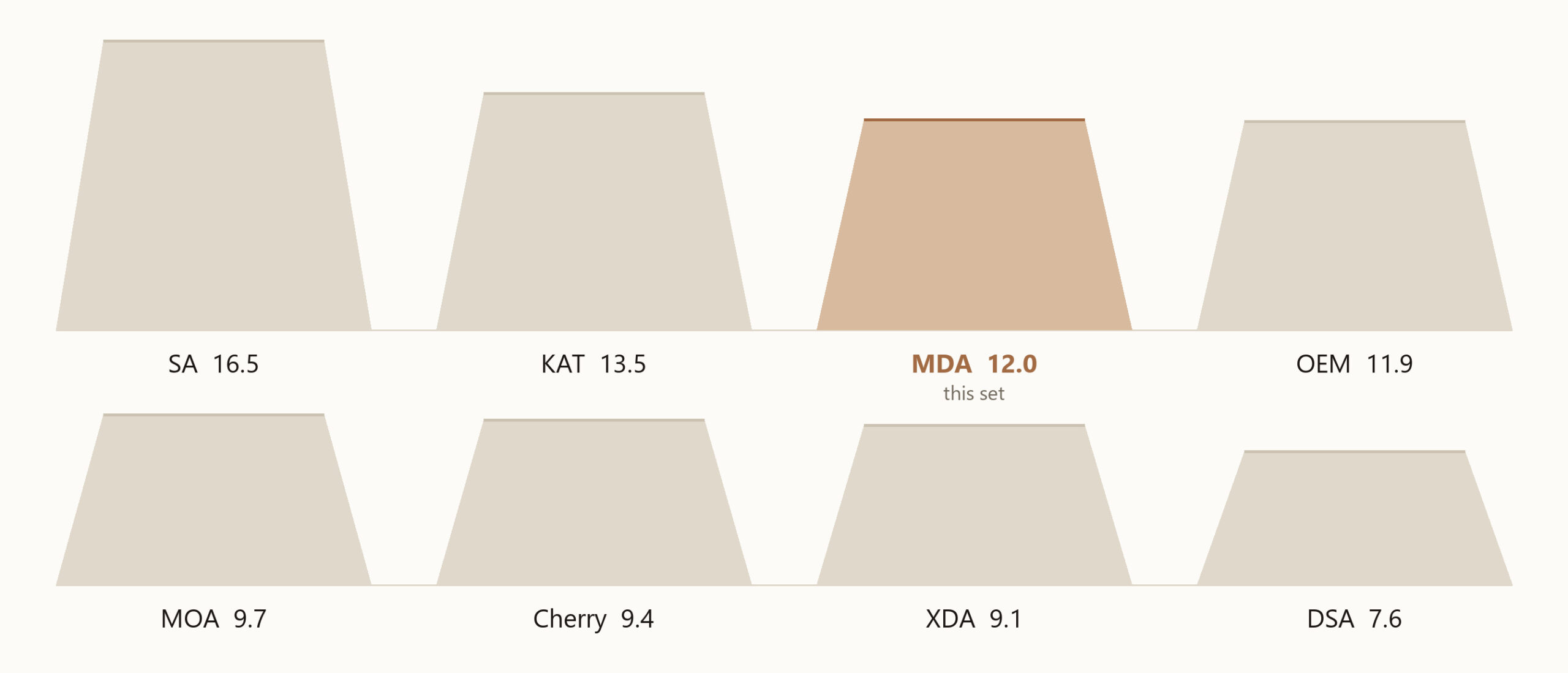
The top surface matters as much as the height. DSA, XDA, MOA, KAT, MDA and SA are spherical: a shallow bowl that pulls your fingertip towards the centre of the cap. Cherry and OEM are cylindrical: a scoop that runs front to back and lets your finger travel in a straight line.
What the height actually changes
Lower is not better and taller is not better; they solve different problems. A low set like Cherry keeps your wrists flatter and your fingers moving in short strokes, which suits fast typing and gaming. A tall set like SA puts more material under each key, which deepens the sound and gives your fingers more to grip, but most people want a wrist rest with it.
MDA sits in the middle-upper band. It is tall enough to sound full and to give you a wide landing, but not so tall that the board needs a rest. That is why it is a common choice for people who type all day and still want a mechanical board on the desk.
Which one should you pick?
- Cherry — you game, you want the lowest effort reach, and you already like a stepped surface.
- OEM — you are replacing the caps on a prebuilt board and want it to feel like it did before.
- MOA / XDA / DSA — you want a flat, even look across the board, or you swap keys between rows.
- MDA — you want a wide, dished landing and a fuller sound without going to full retro height.
- SA / KAT — you are building for the look and the thock, and you are happy to add a wrist rest.
Compatibility
Will it fit your board?
| Your board | Works |
|---|---|
| 61 / 64 / 68 / 75 / 84 / 87 / 89 / 96 / 98 / 100 / 104-key, ANSI | Yes |
| Cherry MX, Gateron, Kailh, Akko, Outemu and other MX-style switches | Yes |
| Boards with north-facing LEDs | Yes, glow is stronger |
| ISO layouts | Ask first |
| Topre, Alps, optical-only, low-profile | No |
The photos show these caps on a board with north-facing per-key RGB. On a board without backlight they read as plain milky white — see the unlit photo above.
Specifications
The numbers
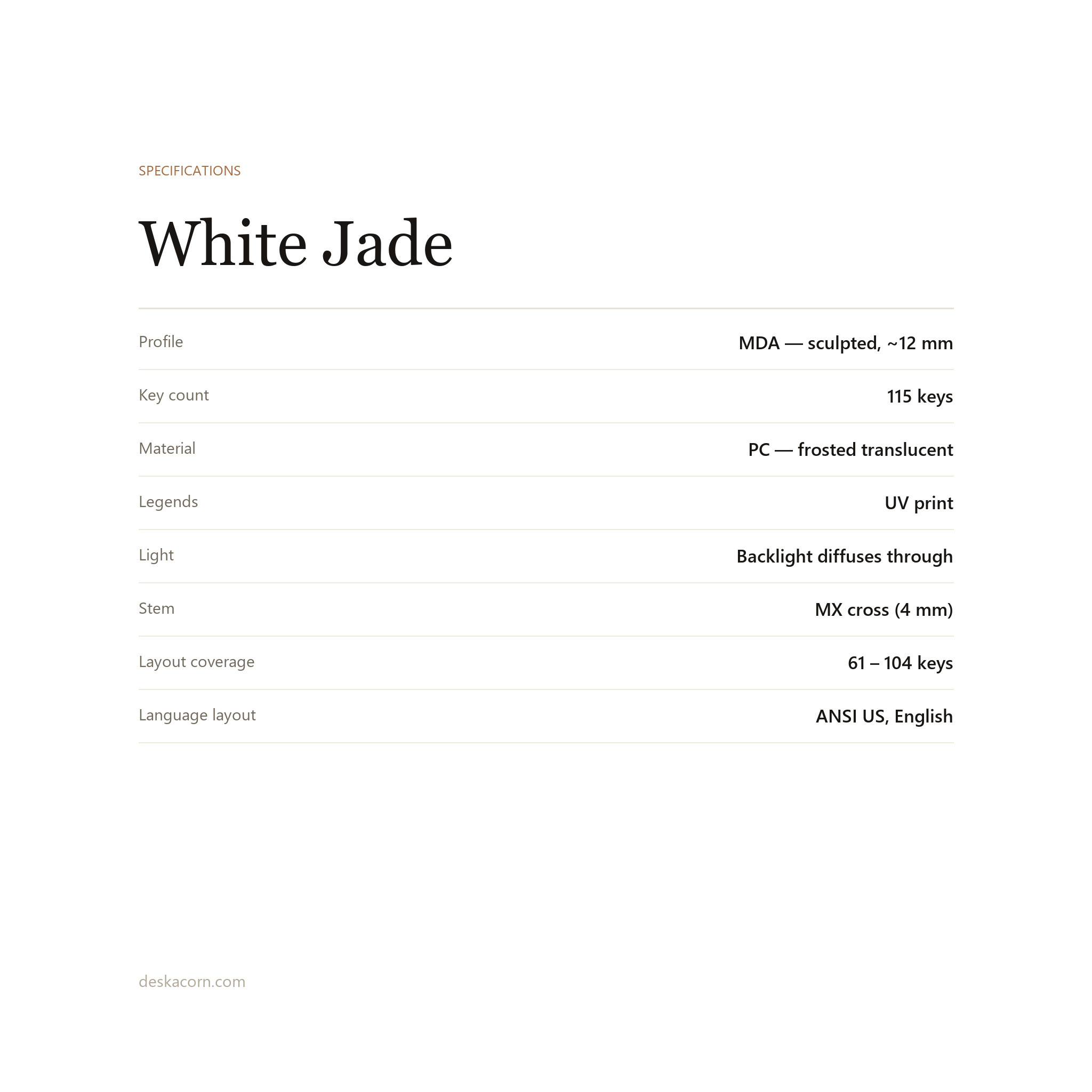
| Profile | MDA (sculpted, ~12 mm) |
| Key count | 115 |
| Material | PC, frosted translucent |
| Legend method | UV print |
| Light | Backlight diffuses through the cap |
| Stem | MX cross (4 mm) |
| Language layout | ANSI US, English legends |
| Print position | Top print or side print |
| In the box | 115 keycaps |
Care
Taking them off, and cleaning
Pull keys straight up with a wire puller, never at an angle — twisting is how a stem well cracks. Warm water, a drop of mild soap, a soft brush. Rinse and let them dry completely before refitting. No alcohol, no acetone, no dishwasher, and nothing abrasive on the printed legends.
Just the keycaps. The keyboard, the switches and the brass knob shown in these photos are not included — this product is 115 keycaps only. If you are not sure your board takes MX-style switches, message us before ordering.
Reviews
There are no reviews yet.